
Create an API key
An API key lets your own systems, such as your CRM, call the Fluent API as you. Create one under Account > API keys, copy it once, and store it somewhere safe.
A key has the same access you have, in every team you belong to. Create it from the account whose access you want the integration to have.
Create a key
Click the menu with your team's name at the top of the sidebar, then Account.
Under Access, click API keys.
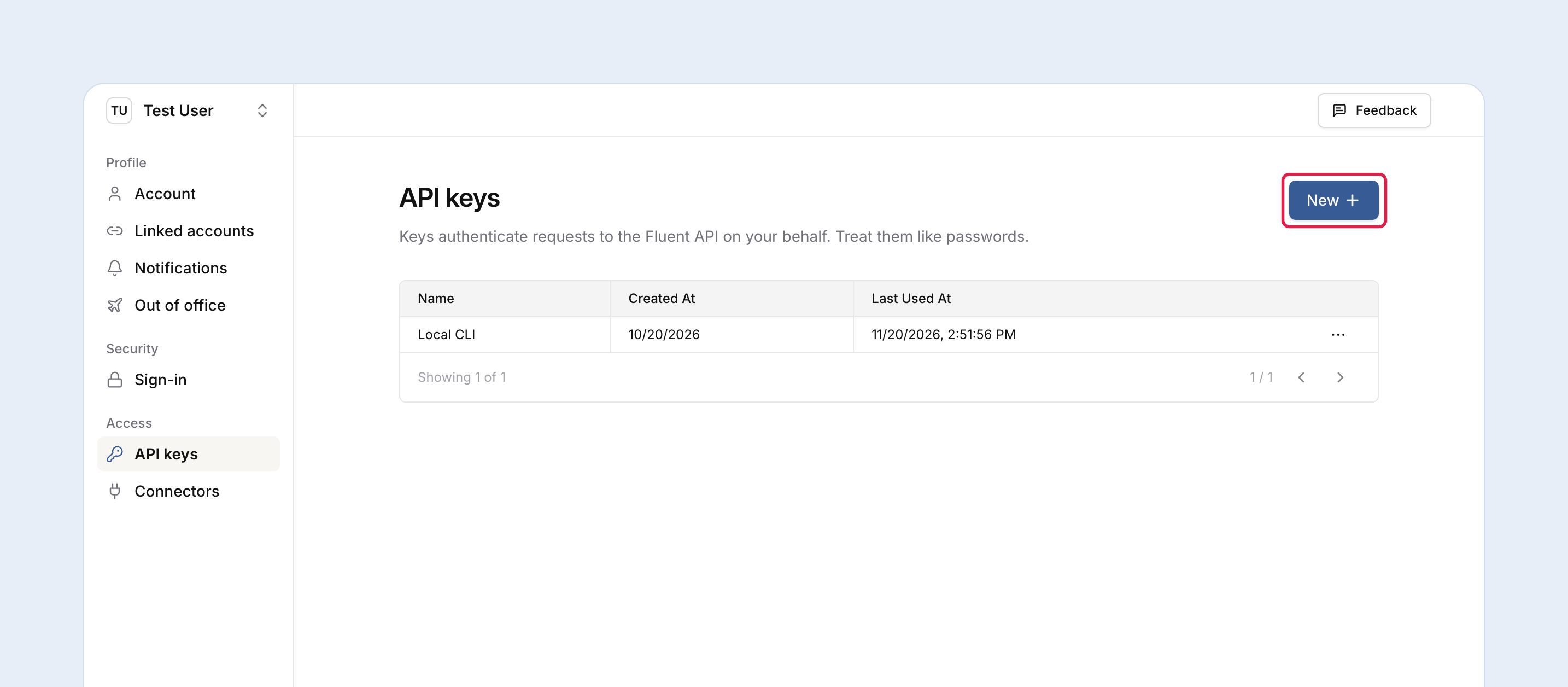
Click New.
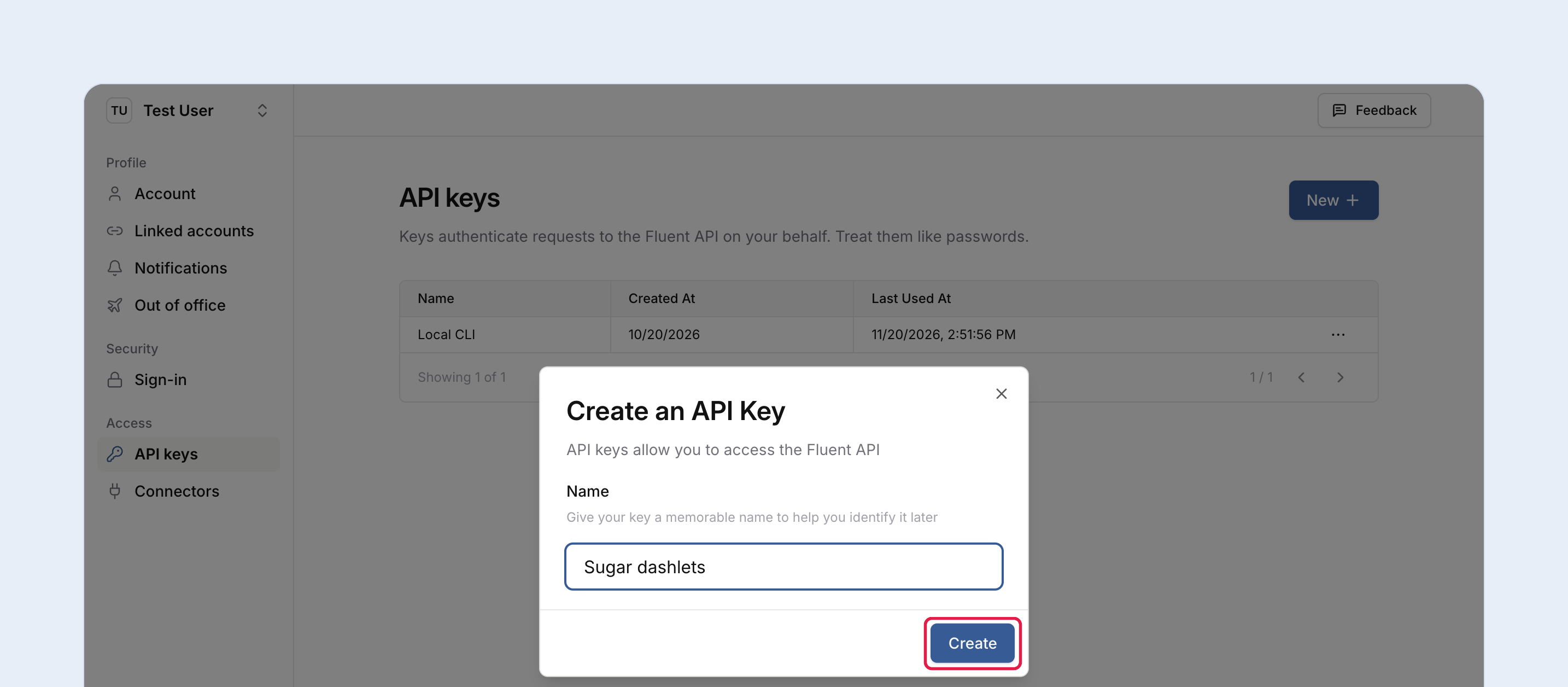
Enter a Name that says what the key is for, then click Create.
Click the copy button and store the key in a password manager. Fluent shows it only once.
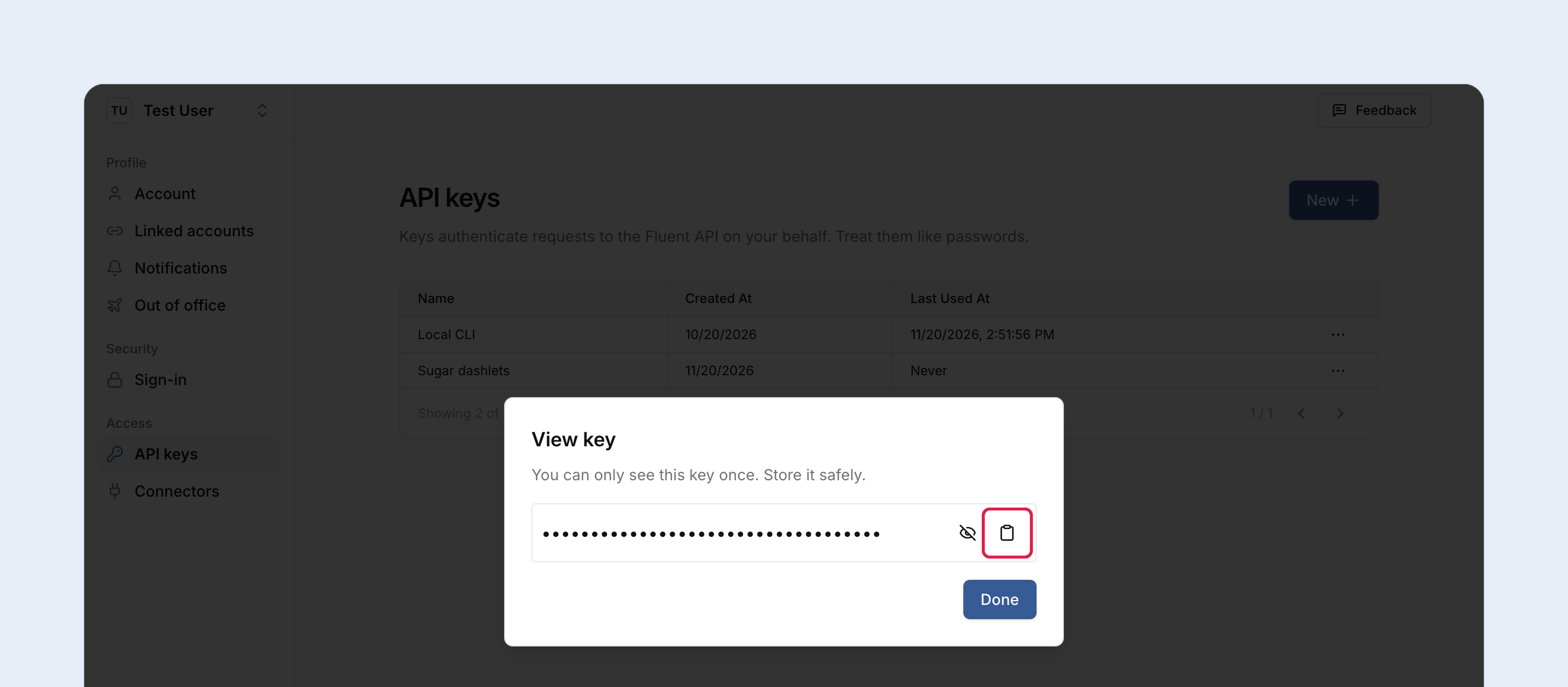
Click Done.
Treat the key like a password. Anyone who has it can do what you can do in Fluent. Keep it on a server, never in a browser or a shared document.
Use the key
Send the key in the x-api-key header of each request. A key can make up to 100 requests a minute. The Last Used At column shows when it was last used, and reads Never until its first request. Keys don't expire.
If you leave a team, the key loses access to that team.
Delete a key
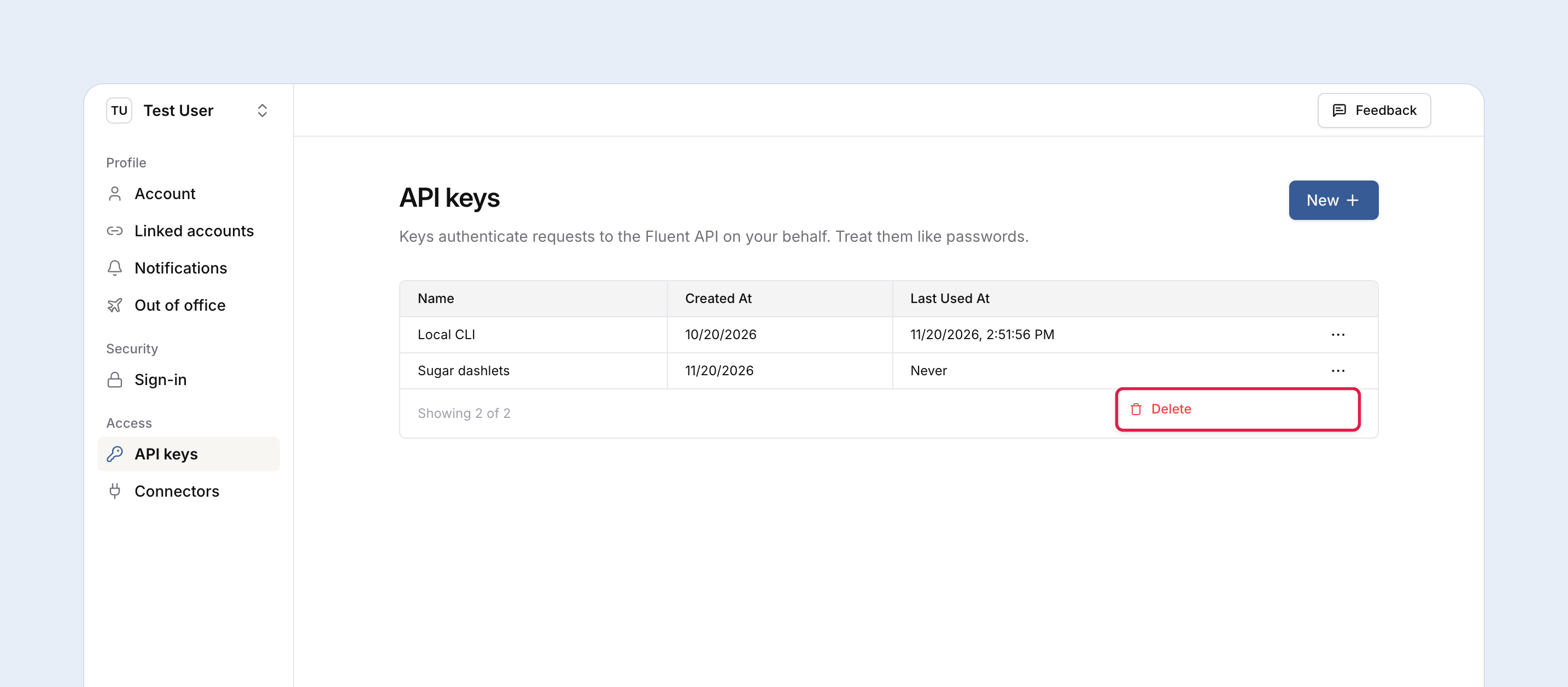
On the key's row, click ⋯, then Delete.
Click Delete to confirm.
Replace a key
Create a new key, update your integration to use it, then delete the old one.